Tipping on Vibrant terminals
Tipping allows customers to add a gratuity directly on the payment terminal before completing a transaction.
Once enabled, the tip option is shown automatically during checkout – no extra steps needed from staff.
What customers see
When tipping is enabled, the flow on the terminal works as follows:
The customer is presented with your selected tip options before payment
They can choose a tip amount or select Skip for now
The tip screen can be shown in Danish or English, and the customer can switch language directly on the terminal
If no choice is made within 60 seconds, the terminal continues to payment automatically
The final amount (including any tip) is shown before the payment is completed
What you need to know
The tip screen appears automatically when the feature is enabled.
Tips are included in the final amount on the terminal and on the receipt.
When a transaction with a tip is refunded, the full amount, including the tip, is refunded.
Tipping settings are managed in the Vibrant Portal and applied across your terminals.
Changes to tipping settings may take a short moment to update on terminals.
How tips are displayed in transaction details may vary depending on your POS system.
Set up tipping
Tipping is configured in the Vibrant Portal and applies to your terminals.
Enable or disable tipping
Sign in to the Vibrant Portal
Go to Settings → Add-ons
Open Tipping
Turn Enable tips on or off
Click Save
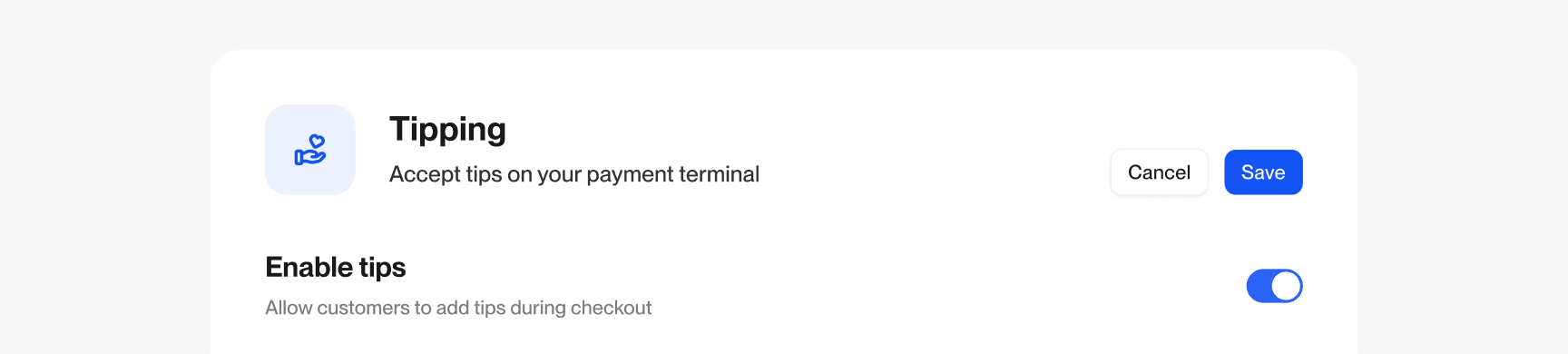
Choose how tips are shown
You can decide how customers add tips on the terminal:
Percentage-based tips
Set percentage options (e.g. 5%, 10%, 15%)Fixed amount tips
Set fixed amounts in DKK (e.g. 10 kr, 50 kr, 75 kr)
You can also allow customers to:
Enter a custom tip amount
Select terminals
Choose where tipping should be available:
All terminals
Applies to all current and future terminalsSelected terminals
Choose specific devices individually
How it works in practice
Once enabled, tipping is part of the normal payment flow. Staff do not need to activate it during checkout – the terminal handles it automatically.
💡
User interface of the tipping screen may differ depending on device capabilities and system constraints.